Shotla
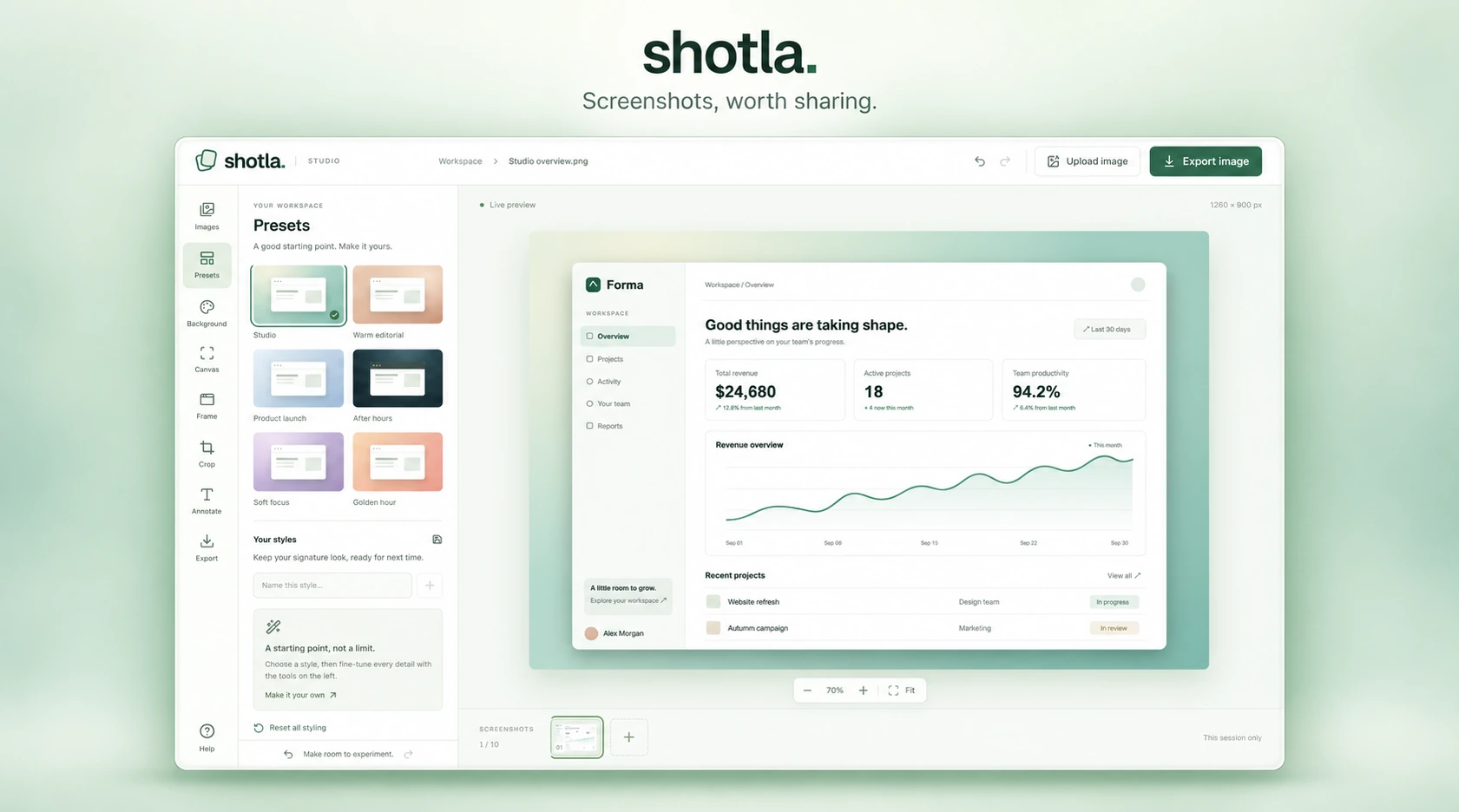
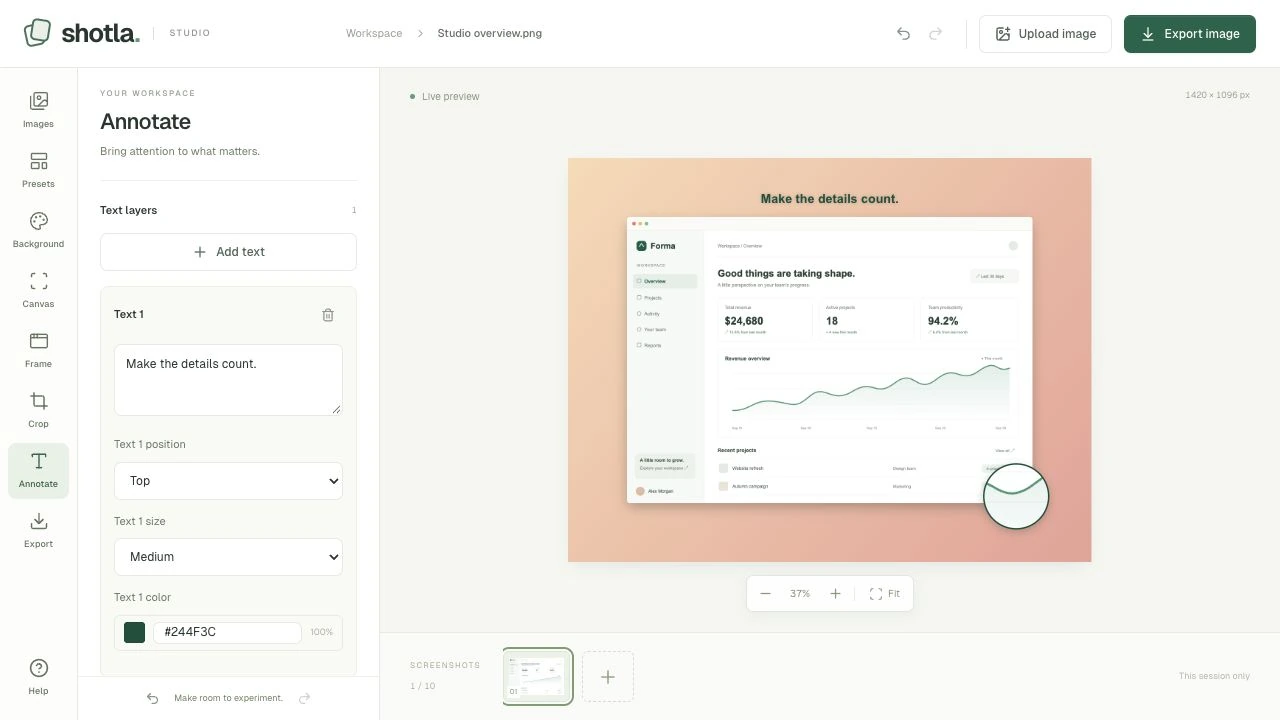
Shotla turns everyday screenshots into polished visuals. I redesigned and rebuilt the editor around a live canvas, with presets, framing, cropping, annotations and export in one workspace. The everyday editing flow runs locally in the browser, with no account required.
The idea
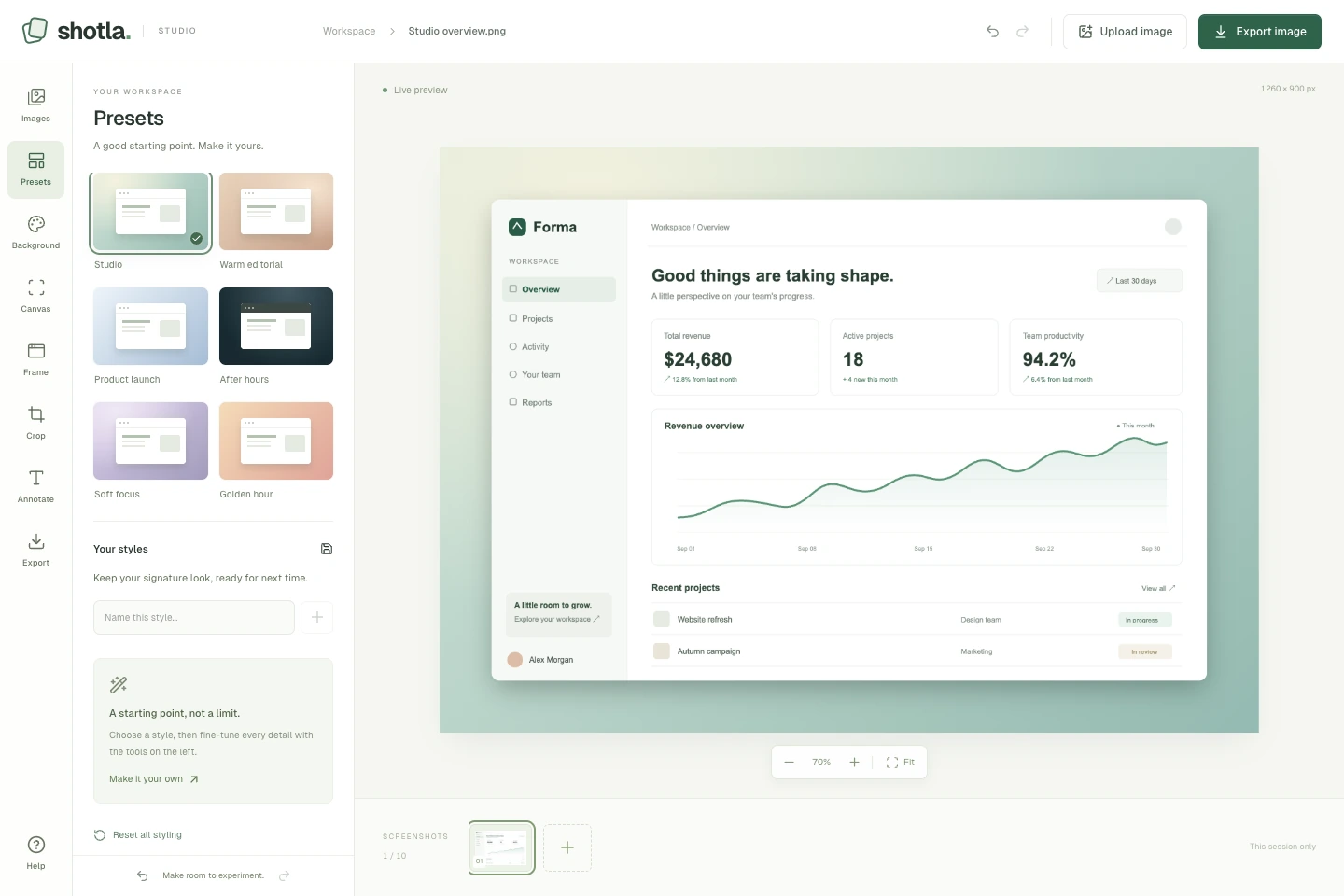
A screenshot often needs a few small adjustments before it tells a clear story: better spacing, a quieter background or a closer look at one detail. I wanted those edits to feel like one workflow. Shotla starts with a coordinated preset, keeps the preview in view and lets you refine the result without moving between separate tools.
The editor
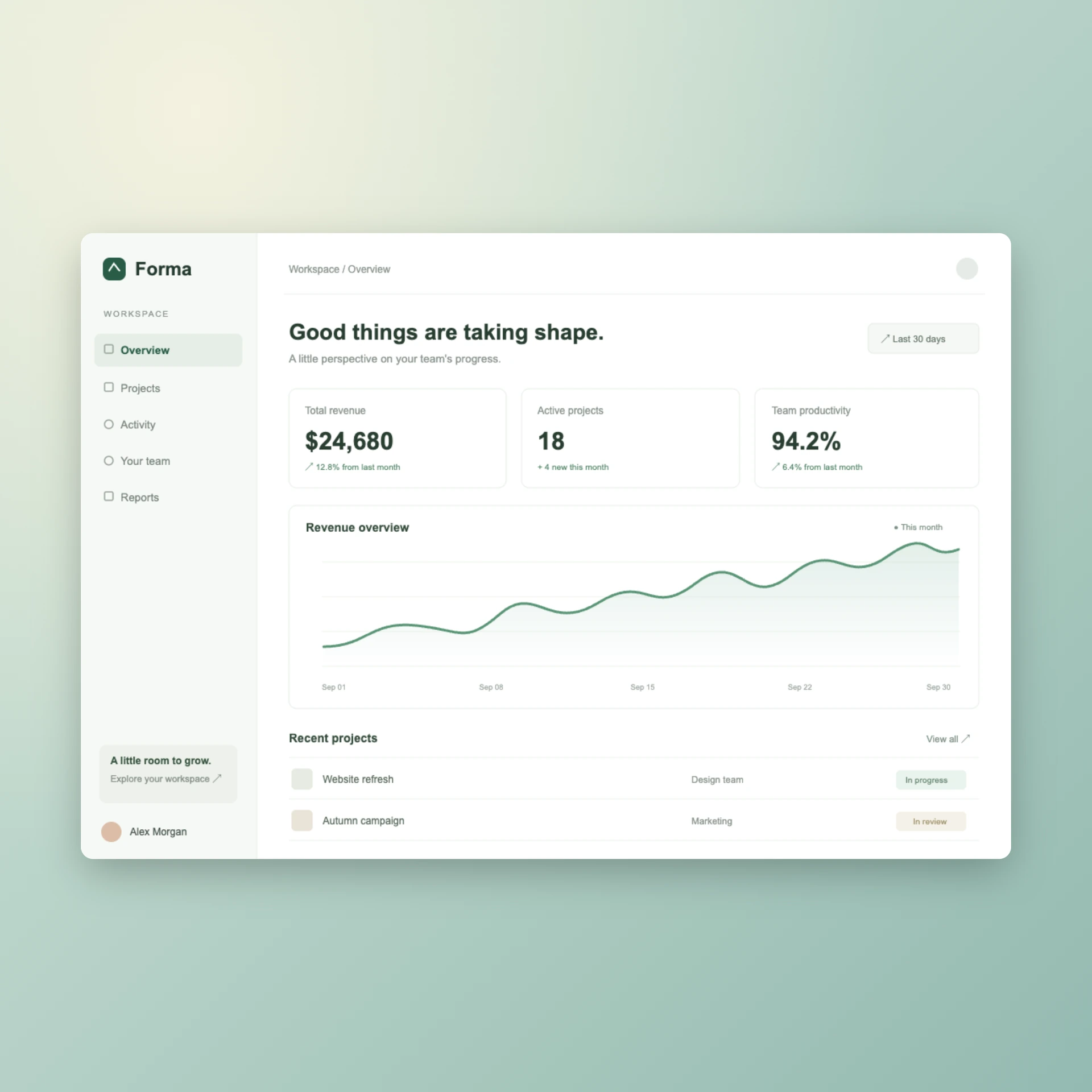
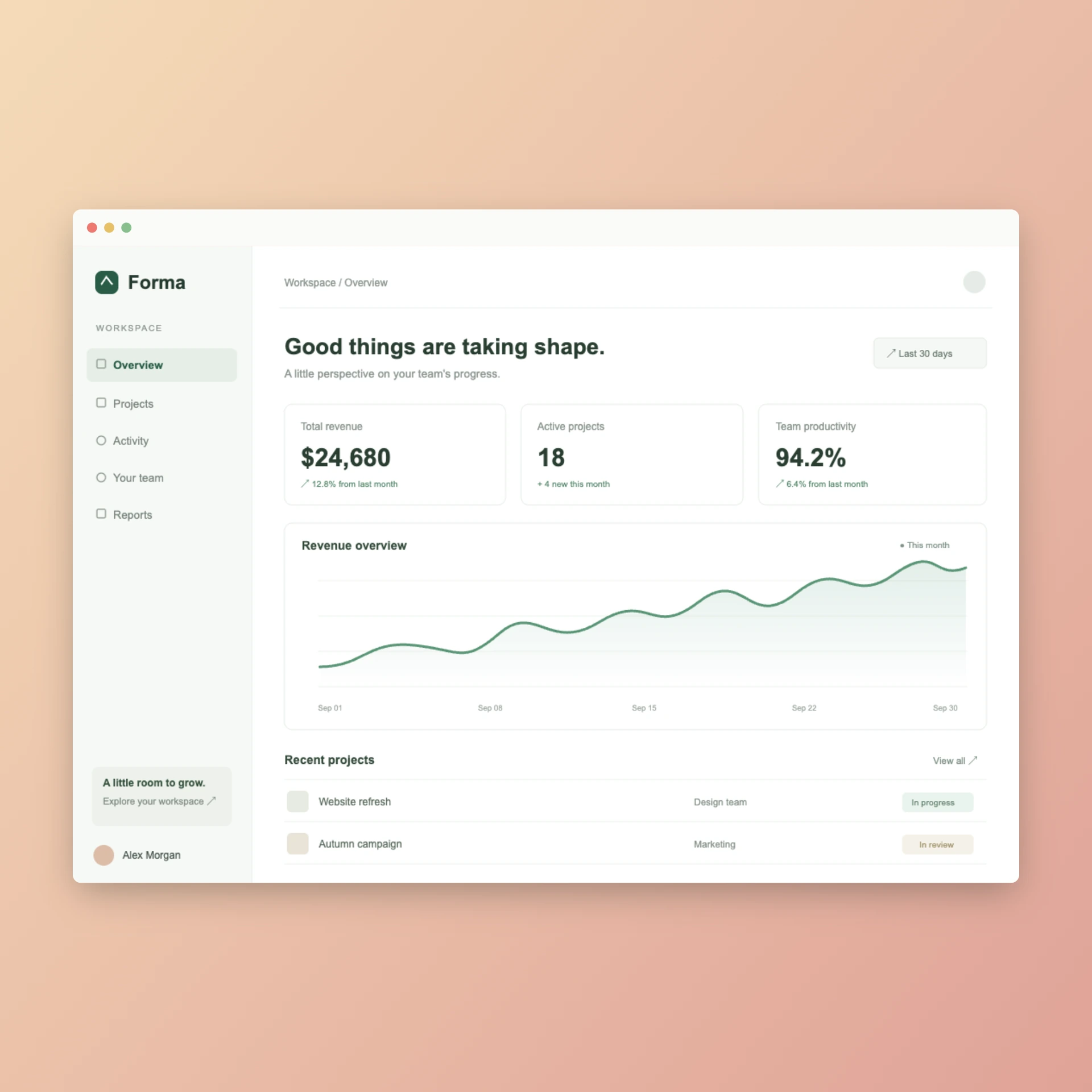
The sidebar brings together six presets, backgrounds, canvas sizes, window frames, cropping and annotations. Captions explain the image; magnifiers show an actual enlarged detail. Each image keeps its own undo history, and named styles can be reused later. Export produces PNG, JPEG or WebP at up to 3× resolution, with a rendered preview to check the result before sharing.
How it’s built
Next.js, React and TypeScript, with react-image-crop for cropping and html-to-image for export. Canvas dimensions come from image pixels, so the output stays independent of preview zoom. Regression tests cover geometry, crop recovery, history and background rendering, with browser checks for the editing and export workflows. Named styles persist locally; images stay in the current tab and need exporting before it closes.